
 Website Designing
 Web Development
 Mobile Applications
 Marketing
 CMS & Ecommerce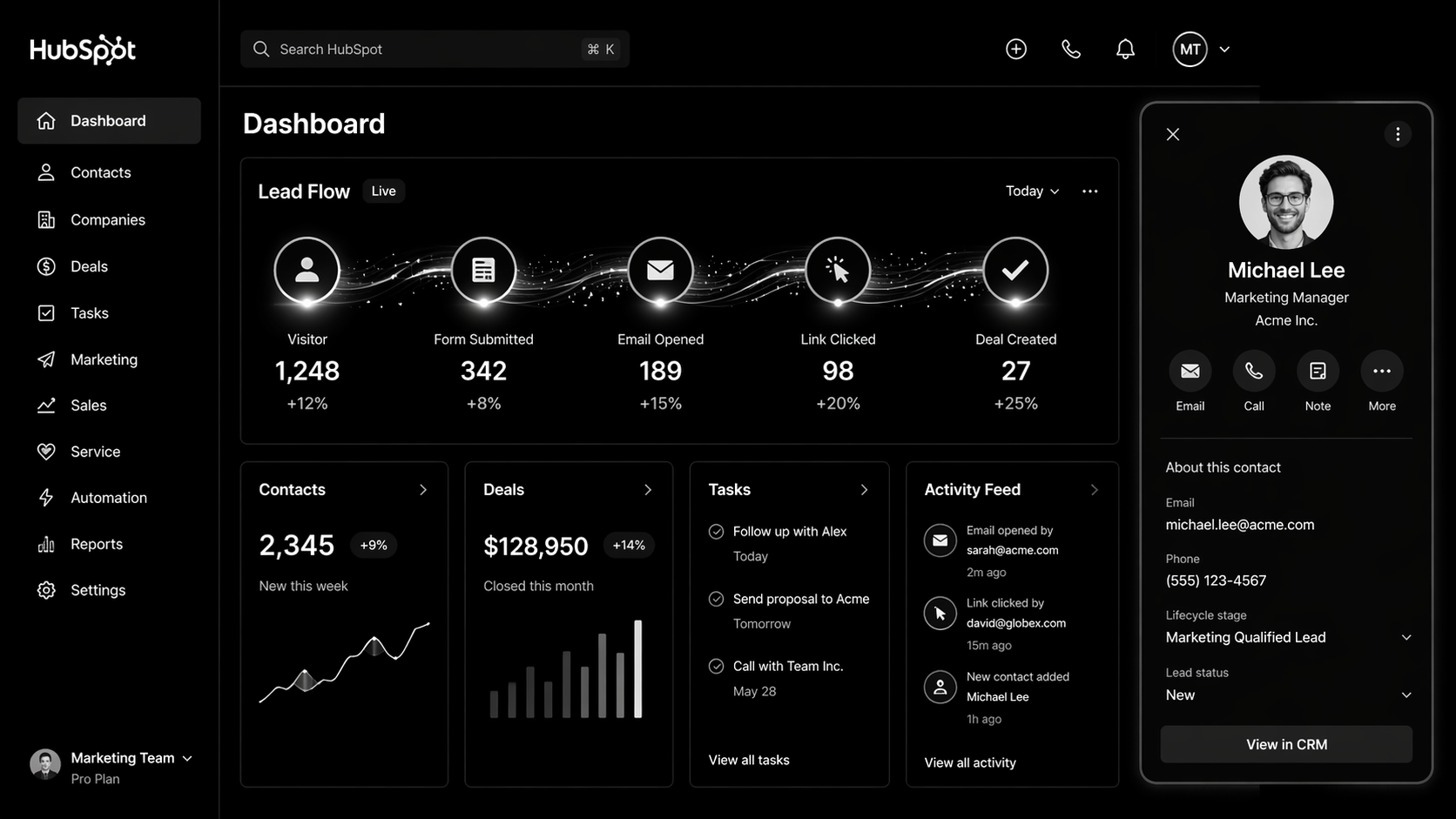
Table of Contents
Most HubSpot website design projects go wrong for the same reason: the website gets built like a WordPress site that happens to live on HubSpot. No HubDB. No smart content. No CRM-aware personalisation. No lifecycle-tied CTAs. Companies pay $3,000+ a month for CMS Hub Professional and use maybe 20% of its power.
If you’re on HubSpot — or considering it — this playbook shows how to build a site that earns its CMS licence. It’s written for marketing leaders, RevOps heads, and founders at companies doing $2M–$100M ARR who need their website to function as a closed-loop revenue engine, not a brochure.
What HubSpot Website Design Actually Is
HubSpot CMS Hub is a content management system with a CRM baked into it. That one sentence is why it exists and why it costs more than WordPress.
HubSpot website design is the practice of building marketing sites that use that CRM connection intentionally — where every form submission, page visit, and CTA click updates a contact record, triggers a workflow, and feeds lead scoring. Done well, the site itself becomes a revenue tool. Done badly, it’s a very expensive blog.
There are three tiers of CMS Hub:
- Starter (~£21/month) — basic hosting, limited.
- Professional (~£375/month) — smart content, A/B testing, SEO recommendations. The real floor for serious teams.
- Enterprise (~£1,470/month) — memberships, adaptive testing, hierarchical teams. For enterprise-scale marketing.
Full pricing breakdown is in our HubSpot CMS Hub pricing guide.
Why HubSpot Website Design Matters in 2026
1. Closed-loop attribution is no longer optional. GA4 broke multi-touch attribution for a lot of teams. HubSpot’s native first-touch, last-touch, and linear attribution — tied directly to contacts — is now one of the cleanest ways to prove marketing ROI to a CFO.
2. Buyer journeys got longer. Gartner’s 2025 B2B buying research shows the average decision group is now 11 people. Static websites don’t keep up. HubSpot’s smart content and CRM-aware personalisation let you serve different messaging to cold visitors, known leads, and existing customers on the same page.
3. AI needs a data source. Every AI-powered personalisation or sales assistant tool depends on structured contact and engagement data. HubSpot CRM is that source of truth. When your website is wired into HubSpot, AI actually has something to work with. Our AI automation services team builds on top of this constantly.
How HubSpot CMS Hub Works (The Real Architecture)
There are six layers worth knowing. If your current HubSpot site is missing three of them, it’s underbuilt.
1. Theme and Design System
HubSpot themes are the parent design framework. A good one has a tokenised design system — typography, spacing, colour variables — exposed in global theme settings so non-developers can make safe brand updates.
2. Modules
Reusable page sections. Hero, testimonial carousel, pricing table, logo wall, etc. Well-built modules have editable fields for copy, image, CTA, and variation. Marketing ships pages without engineering.
3. Templates
Pre-configured combinations of modules for specific page types (landing, blog, resource, pricing). Templates enforce layout consistency at scale.
4. HubDB
HubSpot’s native database. Powers dynamic pages like case studies, integrations directories, team members, event calendars. This is the feature most HubSpot sites never use, and it’s the single biggest unlock.
5. Smart Content
Rules-based content variations based on list membership, lifecycle stage, country, device, or referral source. A CFO visiting from a Demandbase-identified account can see different hero copy than a cold visitor.
6. CRM Integration
Forms, pop-ups, chatbots, and CTAs all write directly to contact records. Workflows fire on form submission. Lifecycle stages auto-update. Lead scoring reacts to page views. This is where HubSpot earns its price tag.
Step-by-Step Guide: Designing a HubSpot Site That Converts
Here’s the exact process we run for a new HubSpot build.
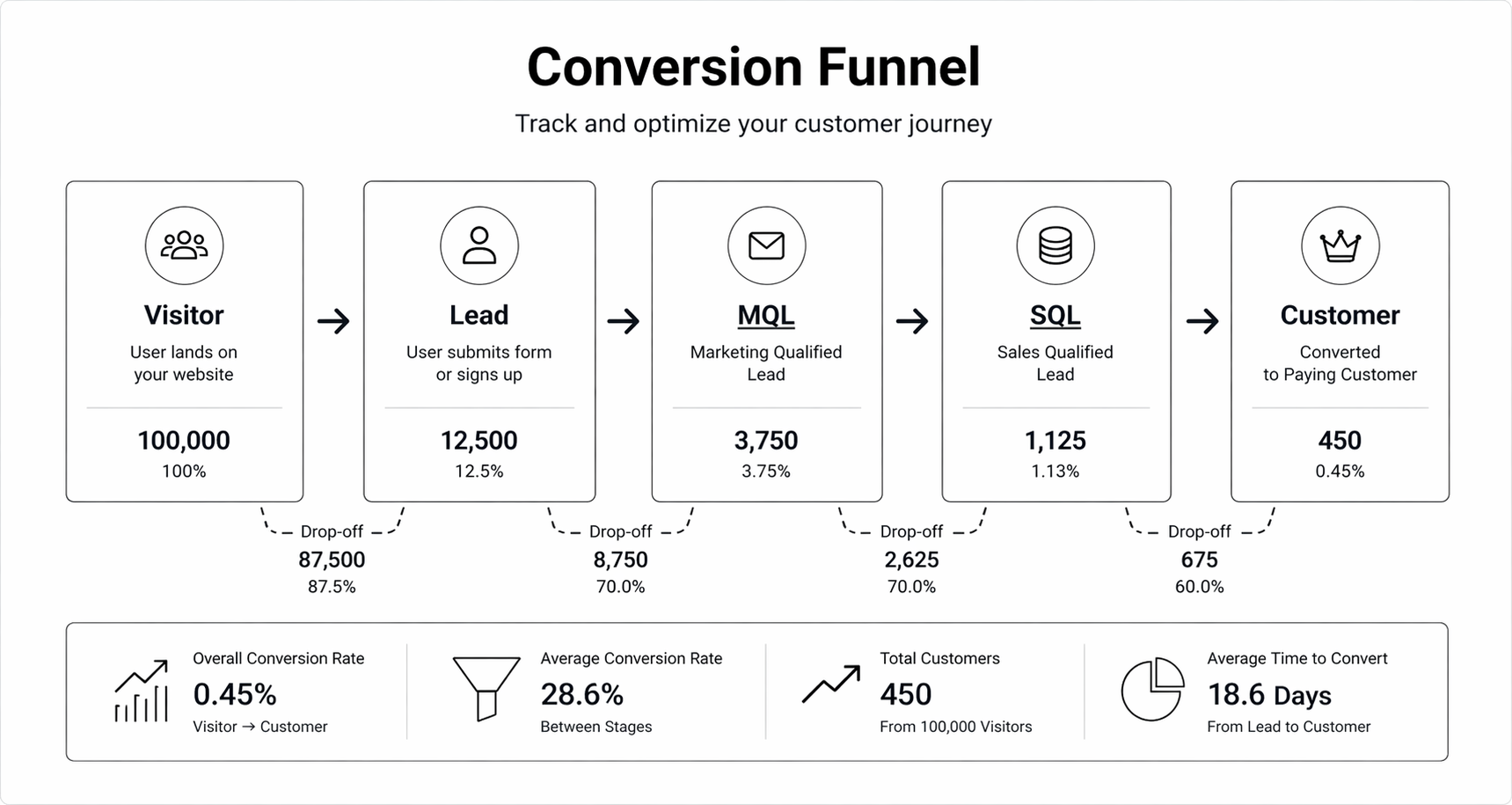
Step 1 — Revenue architecture first. Before design starts, map the ICP, lifecycle stages, required properties, and lead-scoring model in HubSpot CRM. The site has to feed this.
Step 2 — Information architecture. Sitemap built around buyer questions, not internal org chart. Pillar pages for primary topics. Hub pages for solutions.
Step 3 — Module-first design. Design 15–20 reusable modules in Figma. Every page is built from these. No bespoke one-off pages.
Step 4 — Smart content map. Identify 3–5 high-value pages where smart content makes sense. Typically: homepage, pricing, key solution pages. Define variants by lifecycle stage.
Step 5 — HubDB schemas. Design the tables before building them. Case studies, integrations, changelog. Include filter fields.
Step 6 — Development. Build the theme, modules, templates, and HubDB-powered pages. Wire forms to workflows.
Step 7 — Lifecycle enablement. CTA blocks that swap based on lifecycle stage. Gated content tied to smart forms that only ask for new info.
Step 8 — Launch + instrument. Attribution reports, conversion dashboards, and weekly performance reviews built in HubSpot reporting.
Running HubSpot already and not seeing the conversion impact you expected? We run free 45-minute HubSpot audits for growth-stage B2B teams. Book yours here — we’ll show you three specific gaps costing you pipeline.
Best Tools and Stack for HubSpot Sites in 2026
- Zerys or ClearScope — Content optimisation for HubSpot blog.
- Databox — Executive dashboards pulling from HubSpot + GA4 + ad platforms.
- Segment — For companies needing cleaner event data than HubSpot’s native tracking.
- Clearbit (now HubSpot Breeze Intelligence) — Enrichment on form fills.
- 6sense or Demandbase — Intent data layered on top of HubSpot contact records.
- Looping in a specialist — The average in-house marketer uses ~30% of HubSpot. A HubSpot development partner gets you to 80%+.
Common HubSpot Website Design Mistakes
1. Treating the CMS like WordPress. Page after page of static content, no HubDB, no smart content. You’re paying enterprise prices for a brochure.
2. Forms that don’t map to CRM properties. Submissions come in as lead chaos. Sales complains the data’s dirty. Fix: map every form field to a specific CRM property before building the form.
3. No lifecycle-aware CTAs. Returning customers see “Book a demo” on every page. Fix: rule-based CTA blocks that swap by lifecycle stage.
4. Theme lock-in to a single developer. Custom theme that only the original agency can modify. Fix: themes should follow HubSpot’s design manager best practices so any certified partner can pick them up.
5. No redirect strategy on migration. Teams moving from WordPress to HubSpot lose 20–40% of organic traffic because they skip redirect mapping. Our WordPress to HubSpot migration guide covers this.
FAQ
Is HubSpot CMS better than WordPress?
For B2B companies already on HubSpot Marketing or Sales Hub, yes — the native CRM integration is worth the price. For content-heavy sites with no CRM dependency, WordPress is cheaper. Full comparison in our HubSpot CMS vs WordPress post.
How much does a HubSpot website design project cost?
Typical range: £20k–£80k / $25k–$100k for a marketing site with smart content and HubDB. Enterprise builds with full RevOps integration run £80k+.
Do I need HubSpot certified developers?
For anything beyond basic template edits, yes. HubL (HubSpot’s templating language), serverless functions, and CMS Hub architecture require specific expertise.
How long does a HubSpot site build take?
6–12 weeks for a new build. 10–16 weeks for a migration from WordPress. Longer if you’re rearchitecting CRM simultaneously.
Can I use HubSpot CMS without Marketing Hub?
Technically yes, but you lose 60% of the reason to use it. The CRM-content integration is the product.
Conclusion: Build HubSpot Like It’s a Revenue System
A HubSpot site built like a WordPress site is overpriced. A HubSpot site built like a RevOps instrument — smart content, HubDB, lifecycle-aware CTAs, forms wired into workflows — pays back the licence inside a quarter.
If you’re investing in HubSpot, invest in it properly. That means a design and development partner that builds for the CRM connection, not around it.
Our HubSpot development team works with SaaS and B2B brands in the UK and USA to build and rebuild HubSpot sites that actually drive pipeline. Book a free HubSpot audit — 45 minutes, and we’ll show you exactly where your current site is leaking leads.
The HubSpot Website Audit Checklist
— 42-point teardown we use on every client audit, covering CMS architecture, smart content, CRM hygiene, and lifecycle-aware design.