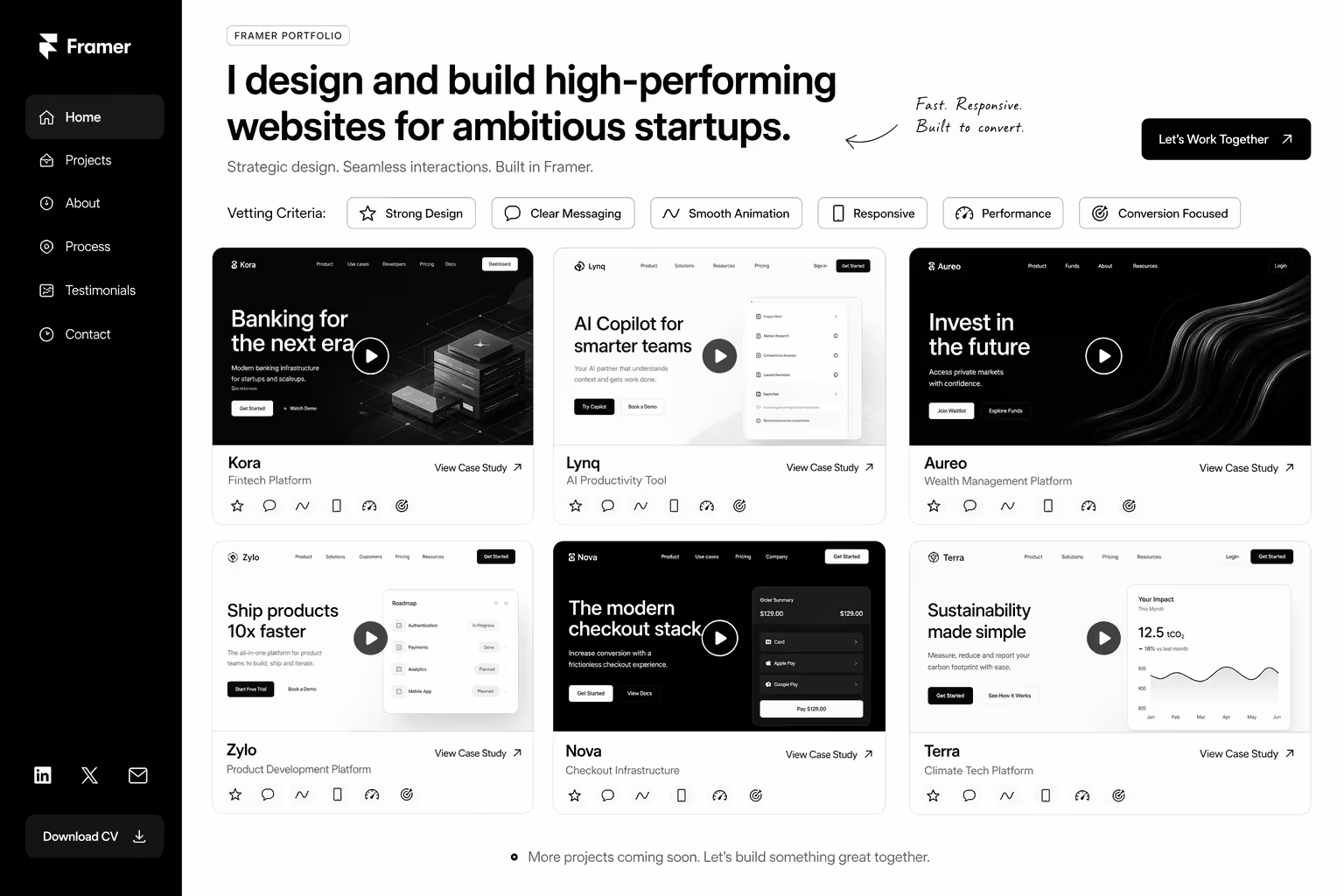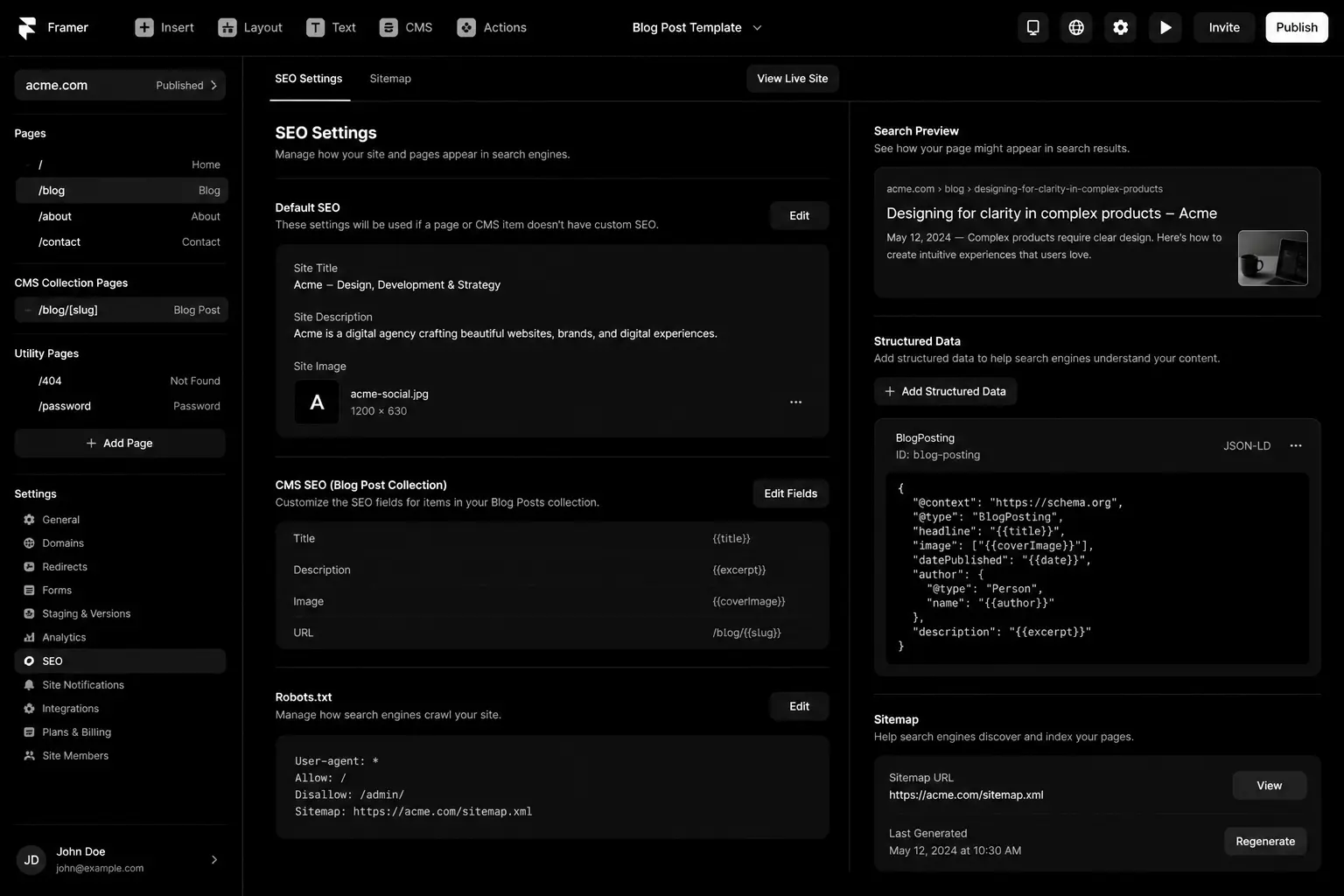


Framer has a reputation as a design tool that happens to publish websites. That reputation is out of date. Framer publishes fast, pre-rendered pages that search engines can crawl without trouble, and it gives you the controls most marketing sites need. What it doesn't do is set those controls for you. Most Framer sites that struggle in search have the same problems: missing page titles, one generic description everywhere, no structure in the CMS and thin pages built for looks rather than answers.
This guide covers what actually moves rankings on a Framer site: the technical settings to get right once, the on-page work for every page, and the content and AI-search habits that separate sites that rank from sites that only look good.
Does Framer hurt SEO?
No. Framer serves pages as HTML that search engines can read, optimises images automatically and generates a sitemap. Speed is usually good out of the box. The platform rarely holds a site back; settings left at their defaults and thin content do.
Technical setup: get it right once
Site-wide settings
- Custom domain with one version. Choose www or non-www and make sure the other redirects to it.
- Default title and description. Set a site-level fallback in site settings, then override it on every important page.
- Social image. Add a default Open Graph image so shared links never appear blank.
- Favicon and language. Small details, but they show up in search results and browser tabs.
Sitemap, indexing and redirects
Framer generates a sitemap automatically. Submit it in Google Search Console, then check the Pages report for anything excluded unexpectedly. Hide test pages, duplicate drafts and thank-you pages from search in each page's settings. When you rename or remove a page, add a redirect in site settings so links and rankings carry over. Redirects matter most when migrating from WordPress or Webflow: map every old URL before launch.
Structured data
Add JSON-LD schema with custom code: Organization on the home page, Article or BlogPosting on posts, FAQPage where a page has real questions and answers, and BreadcrumbList on deeper pages. Keep schema consistent with what's visible on the page.
Performance
Framer pages are fast by default, but heavy video backgrounds, large Lottie files, many custom fonts and third-party scripts can slow them down. Test key pages on mobile with PageSpeed Insights and keep an eye on layout shift caused by late-loading elements.
On-page SEO for every page
- Unique title tag under about 60 characters, leading with the page's main topic.
- Unique meta description that explains what the reader will get, around 140–155 characters.
- One H1 that matches the page's purpose. In Framer it's easy to style text to look like a heading without setting the tag, so check the actual tags.
- Logical headings. H2s for sections, H3s inside them. Don't skip levels for styling.
- Descriptive URLs. Short, readable slugs such as /services/webflow-migration.
- Alt text on every meaningful image.
- Internal links with descriptive anchor text, pointing to related services and guides.
CMS structure that scales
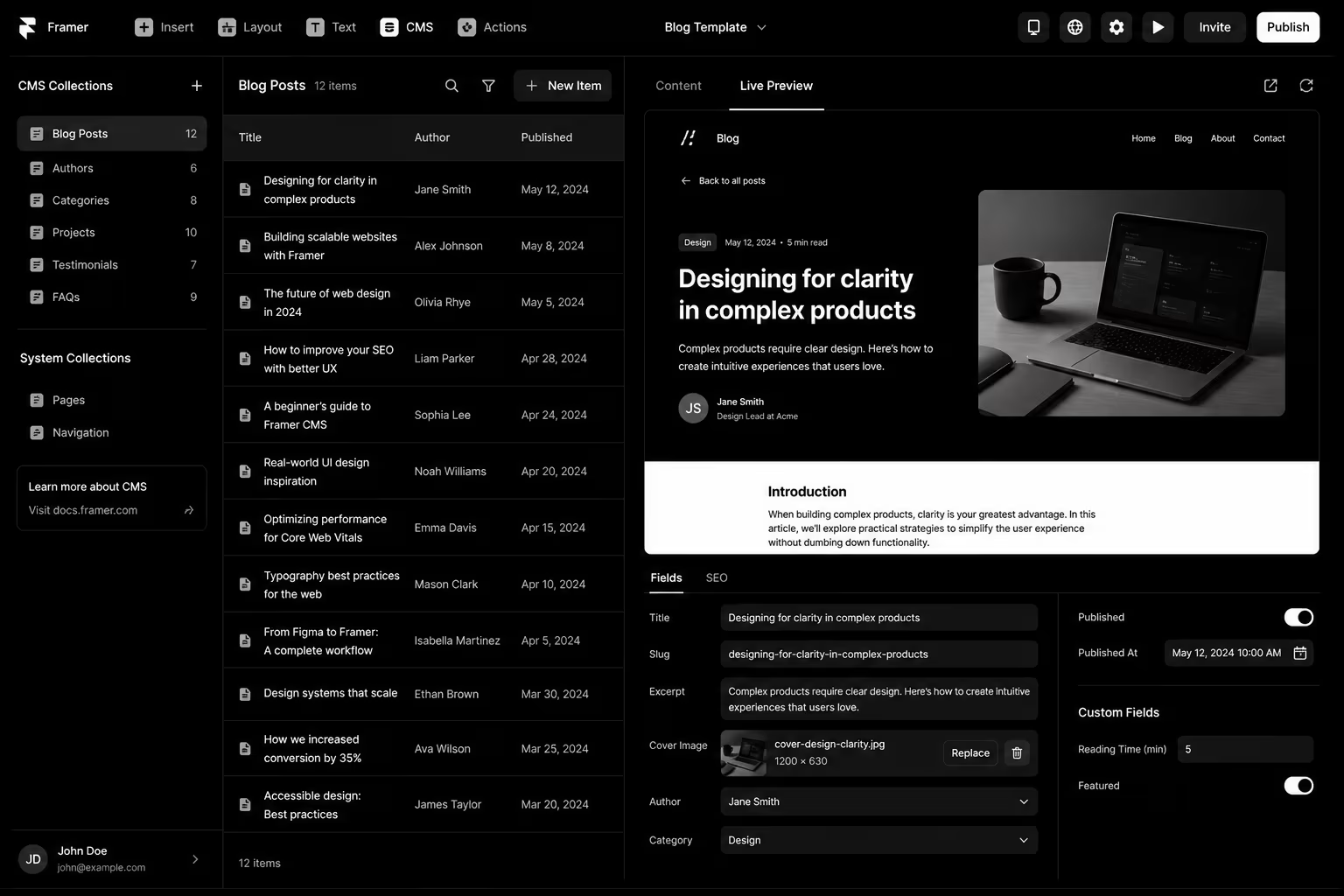
Framer's CMS powers blogs, case studies and resource libraries. Set it up for SEO from the start:
- Add SEO title, meta description and social image fields to each collection, and bind the collection page's SEO settings to them.
- Use a slug field you control rather than auto-generated slugs from long titles.
- Add category or topic fields so you can build topic hub pages that link to every related item.
- Include author and date fields, and show them on the page. They help readers and support trust signals.
- Add a related items section on each template so every article links to others in the same topic.
Content that ranks
Framer makes it easy to ship beautiful pages with very little text. Search engines and AI assistants need something to read. For each target topic:
- Answer the main question near the top of the page in plain language.
- Cover the follow-up questions a buyer would ask: cost, timeline, process, alternatives.
- Add specifics: steps, examples, comparisons and screenshots from real work.
- Build one strong page per topic instead of several thin pages that compete with each other.
- Refresh important pages when facts change, and show the updated date.
Optimising for AI search
AI answers in Google, ChatGPT and Perplexity pull from pages that are easy to quote. Clear headings phrased as questions, short direct answers under each heading, factual statements with sources, and consistent company information across your site and profiles all help. Make sure AI crawlers aren't blocked unintentionally, and consider an llms.txt file that points to your key pages. Our AEO and GEO services go deeper on this.
Myths to ignore
- "Framer sites can't rank." They rank fine when the settings and content are right.
- "Animations hurt SEO." Animations are fine; hiding real content behind them, or making pages heavy, is the problem.
- "More pages means more traffic." Thin pages dilute your site. Fewer, better pages usually win.
- "Keywords in every heading." Write headings for readers; search engines understand topics, not keyword counts.
Monthly maintenance
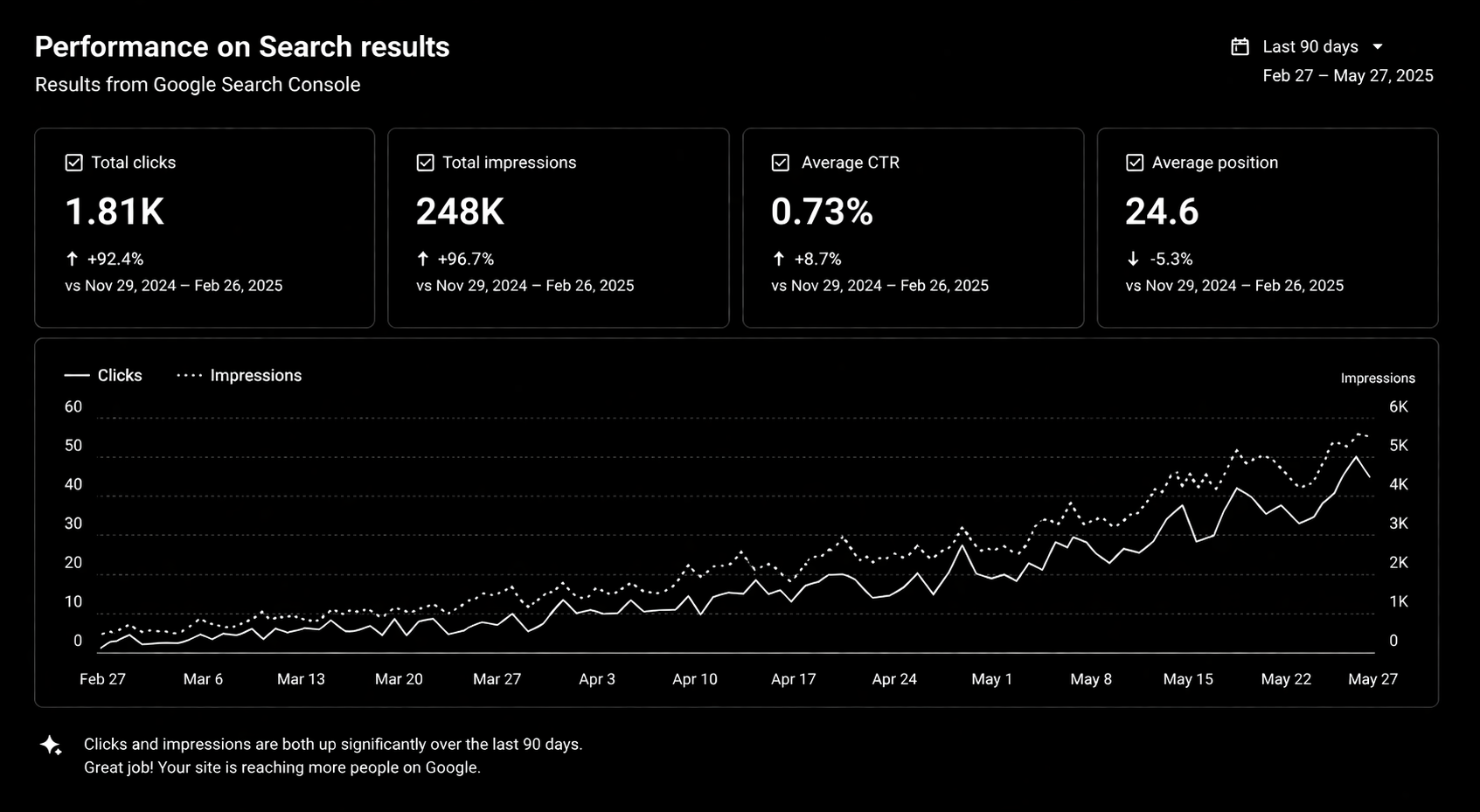
Once a month, check Search Console for crawl errors and pages losing clicks, test page speed on your top pages, look for new pages missing titles or descriptions, and update one or two older pages with fresher information.
FAQ
Is Framer or Webflow better for SEO?
Both can rank well. Webflow gives more control over CMS structure and large content libraries; Framer is excellent for design-led marketing sites. The bigger factor is how the site is set up and what content it has.
Can I add schema markup in Framer?
Yes, by adding JSON-LD in custom code at site or page level.
Does Framer create a sitemap?
Yes. Framer generates one automatically. Submit it in Google Search Console.
How long until a new Framer site ranks?
It depends on competition and content. New sites typically take a few months to build visibility for competitive terms; long-tail topics can move faster.
Conclusion
Framer gives you a fast, crawlable foundation. Rankings come from the work on top of it: correct settings, unique metadata on every page, a CMS built for topics and content that actually answers buyers' questions. If you want a Framer site built or audited for search, see our Framer development and SEO services, or read our guide to hiring a Framer expert.
Framer SEO Audit Checklist — technical SEO checklist, metadata templates, internal linking framework, AI search optimization guide, and monthly SEO audit tracker.