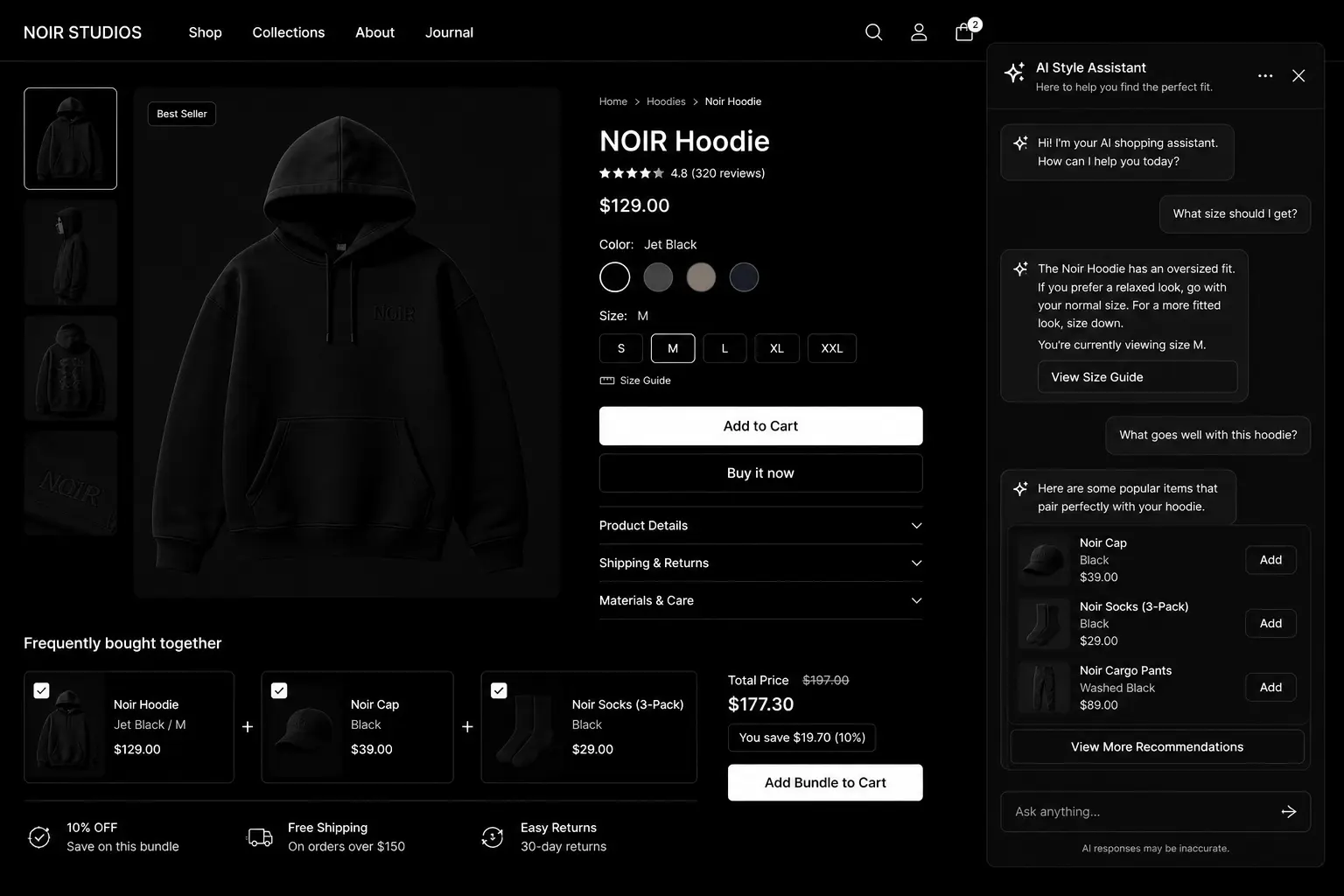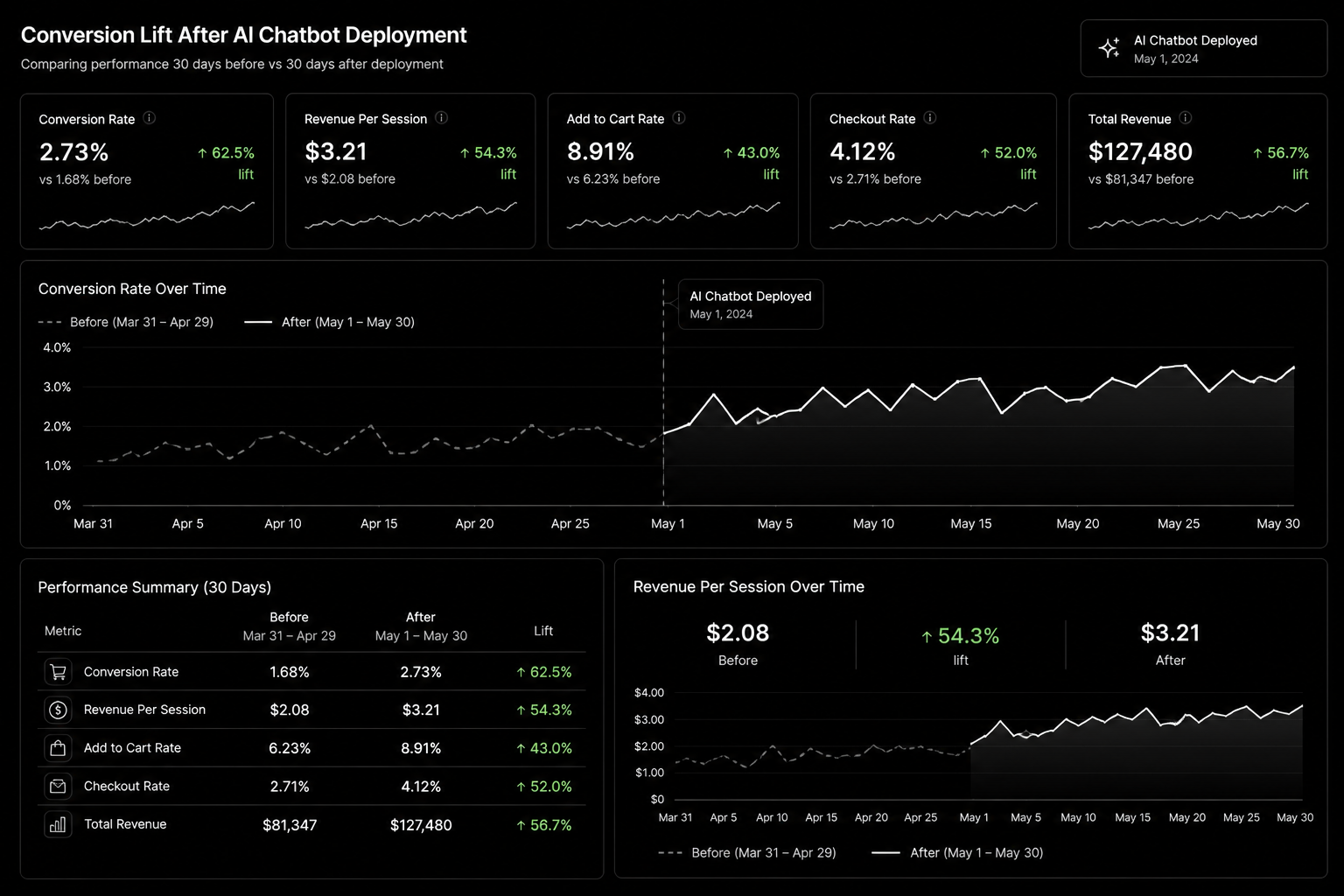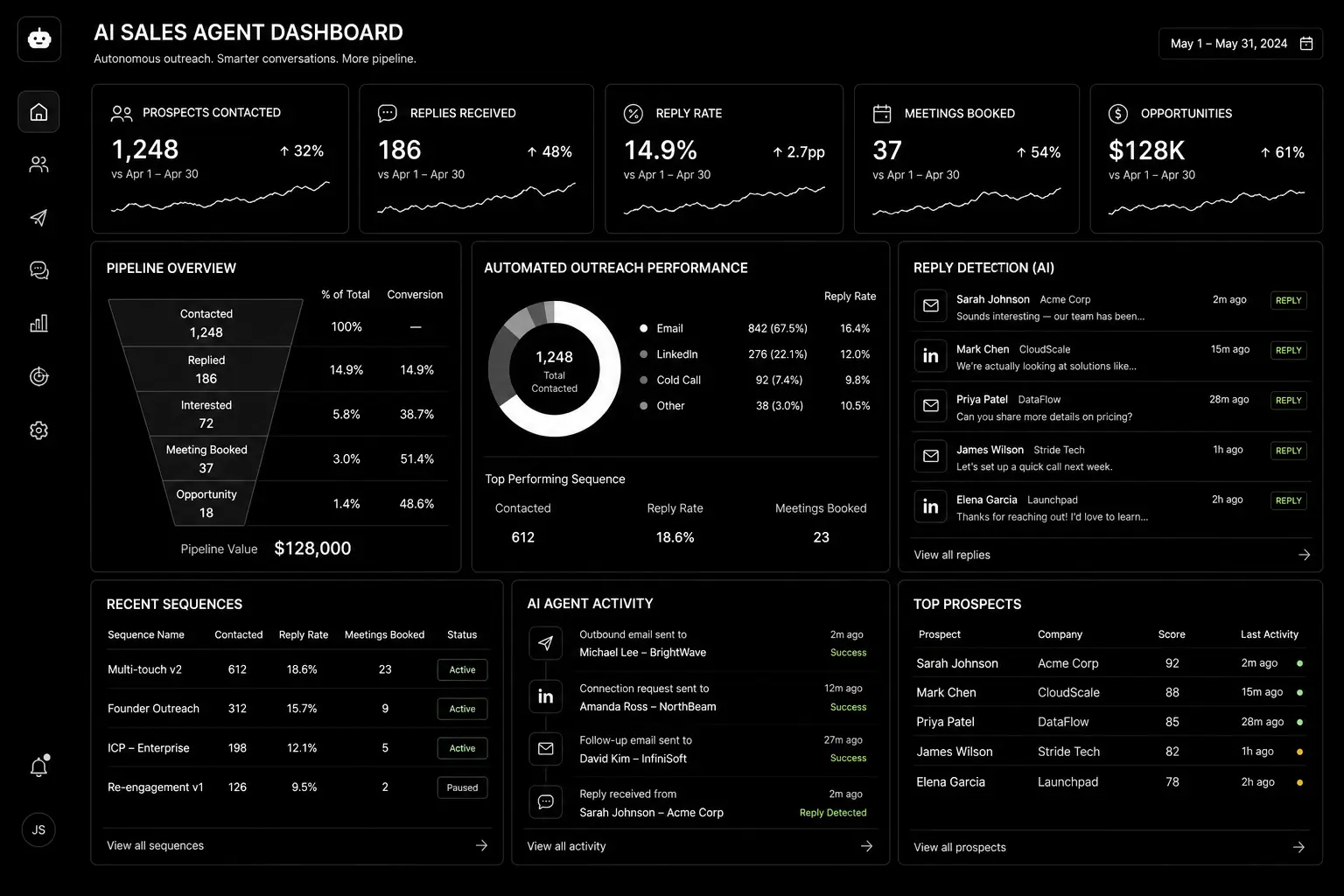


AI sales agents promise a sales development rep that never sleeps: researching accounts, writing personalised outreach, answering inbound questions and booking meetings around the clock. Some of that promise is real. Some of it ends with a burned domain, a few hundred annoyed prospects and a sales team that refuses to touch the tool again.
This guide separates what AI sales agents do well in B2B today from where they still fail, and lays out a rollout plan that adds capacity without putting your pipeline or reputation at risk.
What an AI sales agent actually is
An AI sales agent is software built on a large language model that can take actions, not just write text. It reads data from your CRM and other sources, decides what to do next within rules you set, and acts: drafting an email, updating a record, replying to a website visitor or booking a meeting. CRM vendors now ship their own agents, such as HubSpot's Breeze agents and Salesforce's Agentforce, alongside standalone AI SDR tools and custom agents built on model APIs.
Where AI agents work well today
- Account and contact research. Summarising a company's website, news, hiring and tech stack into a short brief before a rep reaches out.
- Inbound response. Answering website chat and form follow-ups instantly, qualifying with a few questions and booking meetings for qualified buyers.
- First drafts of outreach. Personalised openers and follow-ups that a rep reviews and sends.
- CRM hygiene. Logging calls, summarising meetings, updating fields and creating follow-up tasks.
- Re-engaging old leads. Working through closed-lost deals and dormant contacts with relevant, low-pressure messages.
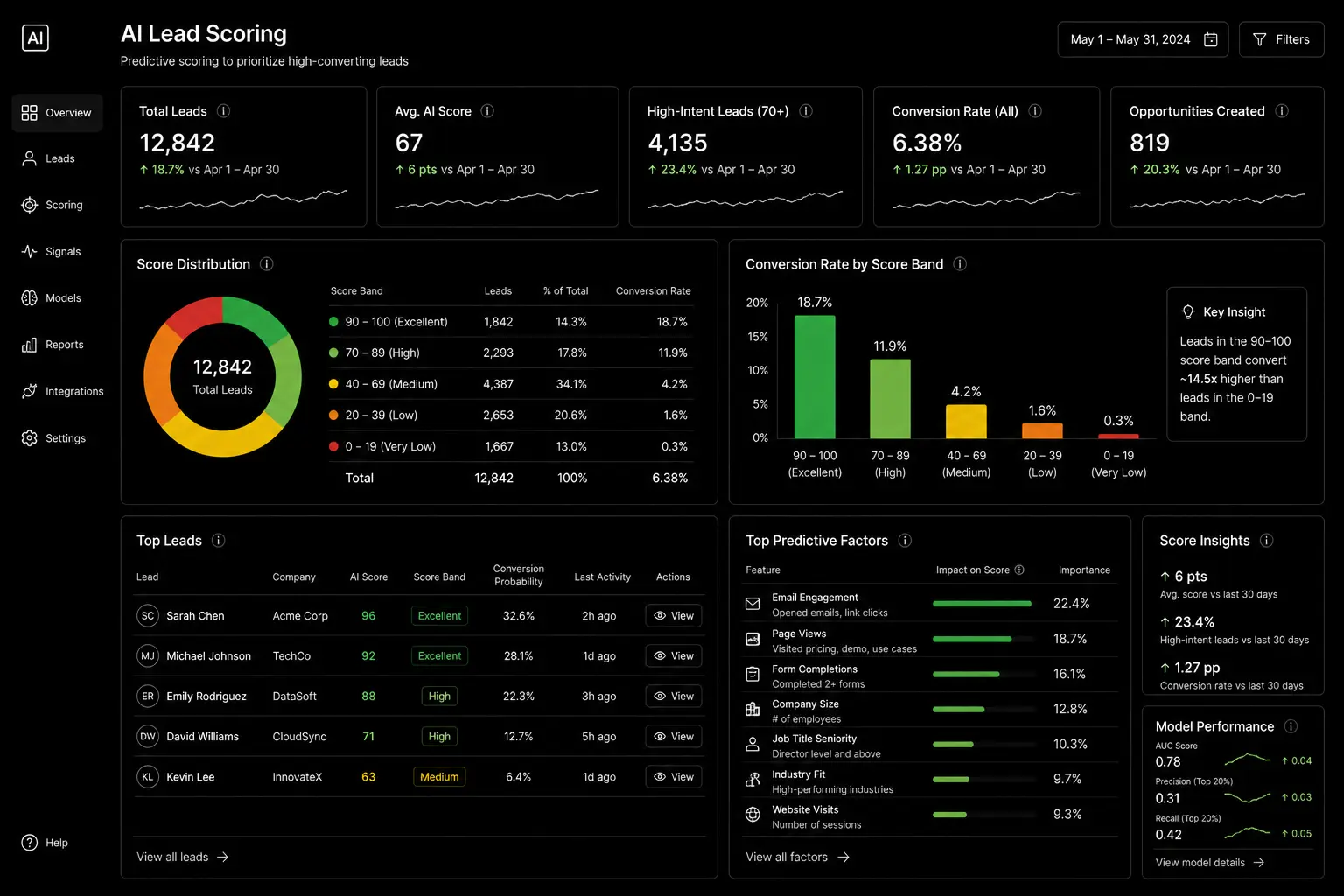
- Routing and prioritisation. Combining lead scores with fresh signals to decide who a rep should call today.
Where they still fail
- Fully autonomous cold outbound at volume. Sending thousands of AI-written emails with no human review risks deliverability problems, factual mistakes and brand damage.
- Complex, multi-stakeholder deals. Enterprise buying involves politics, procurement and negotiation that need human judgement.
- Anything requiring commitments. Pricing exceptions, contract terms and technical promises should never come from an agent.
- Thin or messy data. An agent working from a dirty CRM personalises confidently and wrongly.
A safe rollout plan
Phase 1: assist, don't send (weeks 1–4)
Start with research briefs, meeting summaries and draft emails that reps approve. Measure time saved and draft acceptance rate. This builds trust and shows where the agent's output is weak.
Phase 2: automate inbound (weeks 4–8)
Let the agent respond to inbound enquiries and book meetings, with clear rules: which questions it can answer, when to hand over to a human, and what it must never say. Review every conversation for the first few weeks.
Phase 3: supervised outbound (from week 8)
Allow the agent to send follow-ups and re-engagement messages to small, well-defined segments, with daily volume limits, approved templates and a human checking samples. Expand only when reply quality, unsubscribe rates and meeting quality hold up.
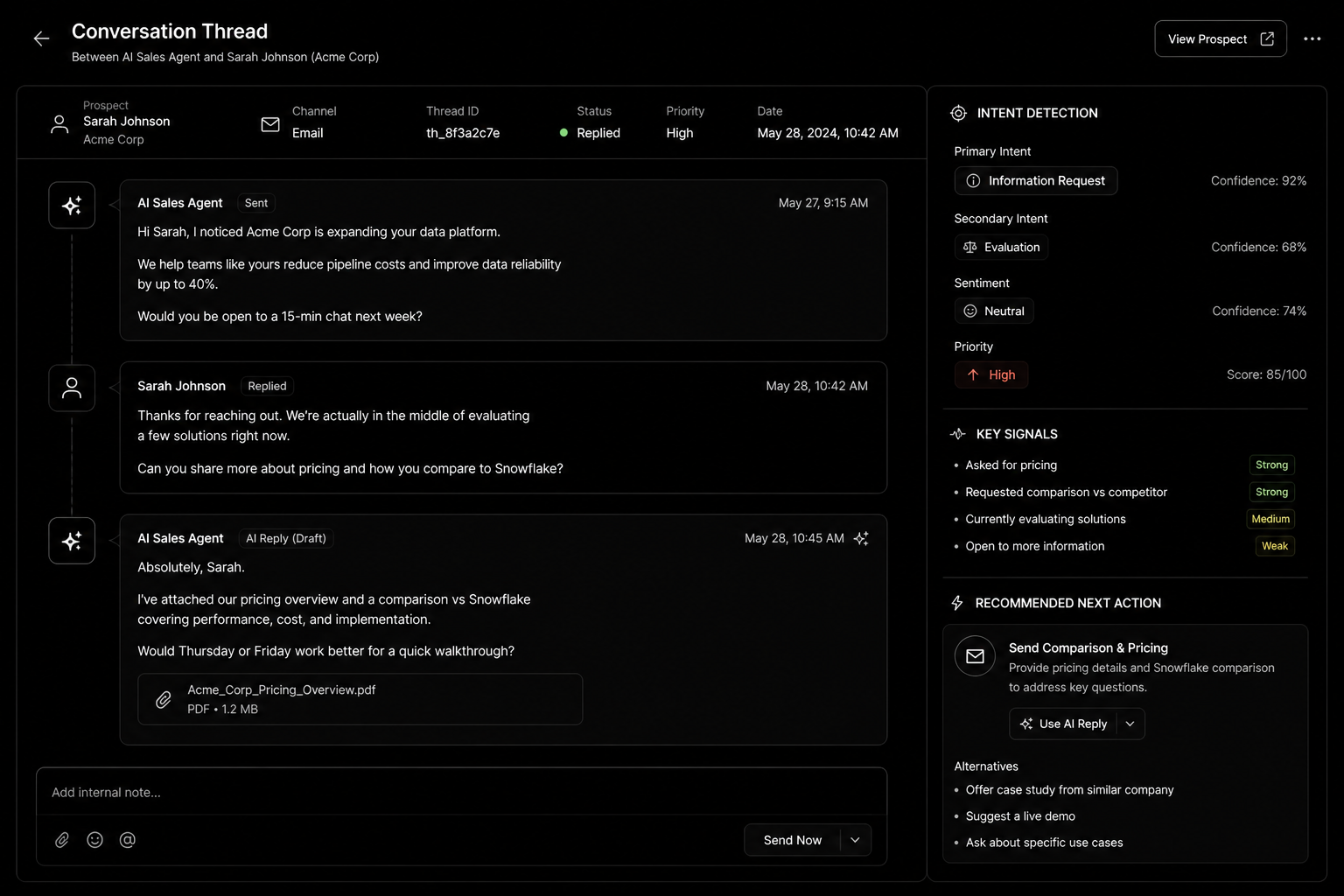
Guardrails every deployment needs
- A knowledge base the agent must use. Approved product information, pricing ranges, case study facts and FAQs. No improvising.
- Escalation rules. Hand over to a human for pricing, legal, technical depth, complaints or any negative sentiment.
- Volume and domain protection. Send outbound from properly warmed domains with authentication set up (SPF, DKIM, DMARC), and cap daily sends.
- Disclosure and consent. Follow the email and privacy rules in each market you sell to, and be honest when buyers ask whether they're talking to AI.
- Logging. Record every message and action in the CRM so you can audit what the agent did.
- A kill switch. One person who can pause the agent instantly.
What to measure
- Response time to inbound leads.
- Meetings booked and, more importantly, meetings that turn into opportunities.
- Reply rate and negative reply rate on agent-sent messages.
- Rep hours saved per week.
- Errors found in conversation reviews.
If meetings go up but opportunities don't, the agent is booking the wrong people. Tighten qualification before scaling.
Build, buy or configure?
If you already run HubSpot or Salesforce, start with their native agents: they read your CRM data without extra integration. Standalone AI SDR tools suit teams that want a ready-made outbound workflow. Custom agents make sense when your process, data sources or compliance needs don't fit off-the-shelf tools. Our custom AI agents service covers that route.
FAQ
Will AI sales agents replace SDRs?
Not in most B2B teams. They take over research, admin and first responses, so SDRs spend more time on real conversations.
Are AI-written emails bad for deliverability?
The writing isn't the problem; volume, poor targeting and weak domain setup are. Keep volumes sensible and lists relevant.
How much data does an AI agent need?
Enough clean CRM data and approved content to answer common questions accurately. Start with your top questions and expand.
How long does setup take?
A native CRM agent for inbound can be live in a few weeks. Custom agents with integrations usually take longer, depending on systems and approval processes.
Conclusion
AI sales agents are most valuable as tireless assistants, not unsupervised senders. Roll them out in phases, protect your domain and brand with clear guardrails, and measure opportunities rather than activity. If you want help choosing or building one, see our AI agents service, read our AI automation agency guide, or book a call.
AI Sales Agent Deployment Guide — the complete implementation toolkit featuring AI SDR workflows, prompt templates, guardrail frameworks, CRM integration checklists, KPI dashboards, and deployment playbooks to automate lead engagement and accelerate pipeline growth.